Before I started my DevOps internship, I had never set up a pipeline on my own. I had written plenty of apps, but every one of them stopped at "it works on my machine." So I gave myself a small project with one rule: a git push should end with the new version running on Kubernetes, without me touching anything in between.
This post is a walkthrough of what I built, how the pieces fit together, and what I'd change now that I do this kind of work every day.
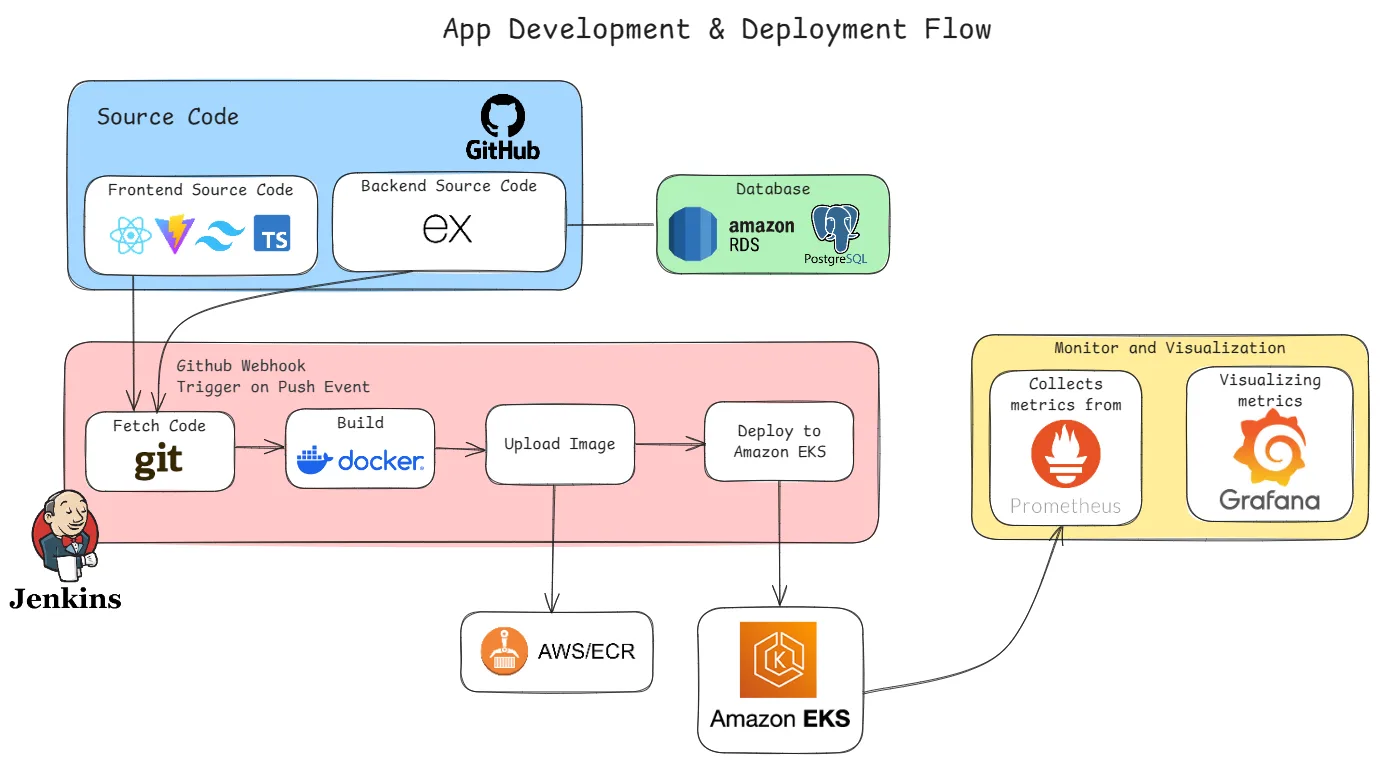
The app: small on purpose
I didn't want the app to be the hard part, so I kept it boring: a full-stack authentication app with registration, login and role-based access for users and admins.
- Frontend: React with Vite, TypeScript and Tailwind. Auth state lives in React Context, and sessions use JWT access and refresh tokens.
- Backend: Express.js with PostgreSQL.
Two services and a database was enough to give the pipeline something real to build, ship and connect, without me drowning in features.
The AWS side
This was the part I knew least about going in.
- Database: PostgreSQL runs on Amazon RDS, inside a custom VPC with its own subnets and security groups. Setting up the networking myself, instead of accepting the defaults, meant deciding exactly who is allowed to talk to what.
- Images: both the frontend and backend are packaged with Docker and pushed to Amazon ECR.
- Runtime: the containers run on Amazon EKS, deployed with plain Kubernetes manifests, a Deployment and a
LoadBalancerService for each app.
The pipeline
Jenkins runs on an EC2 instance. Each service has its own job, and each job is a Groovy pipeline triggered by a GitHub webhook on every push:
push to GitHub
  └─▶ webhook triggers Jenkins
        ├─ fetch code
        ├─ build & test
        ├─ docker build → push image to ECR
        └─ kubectl apply → rollout on EKS
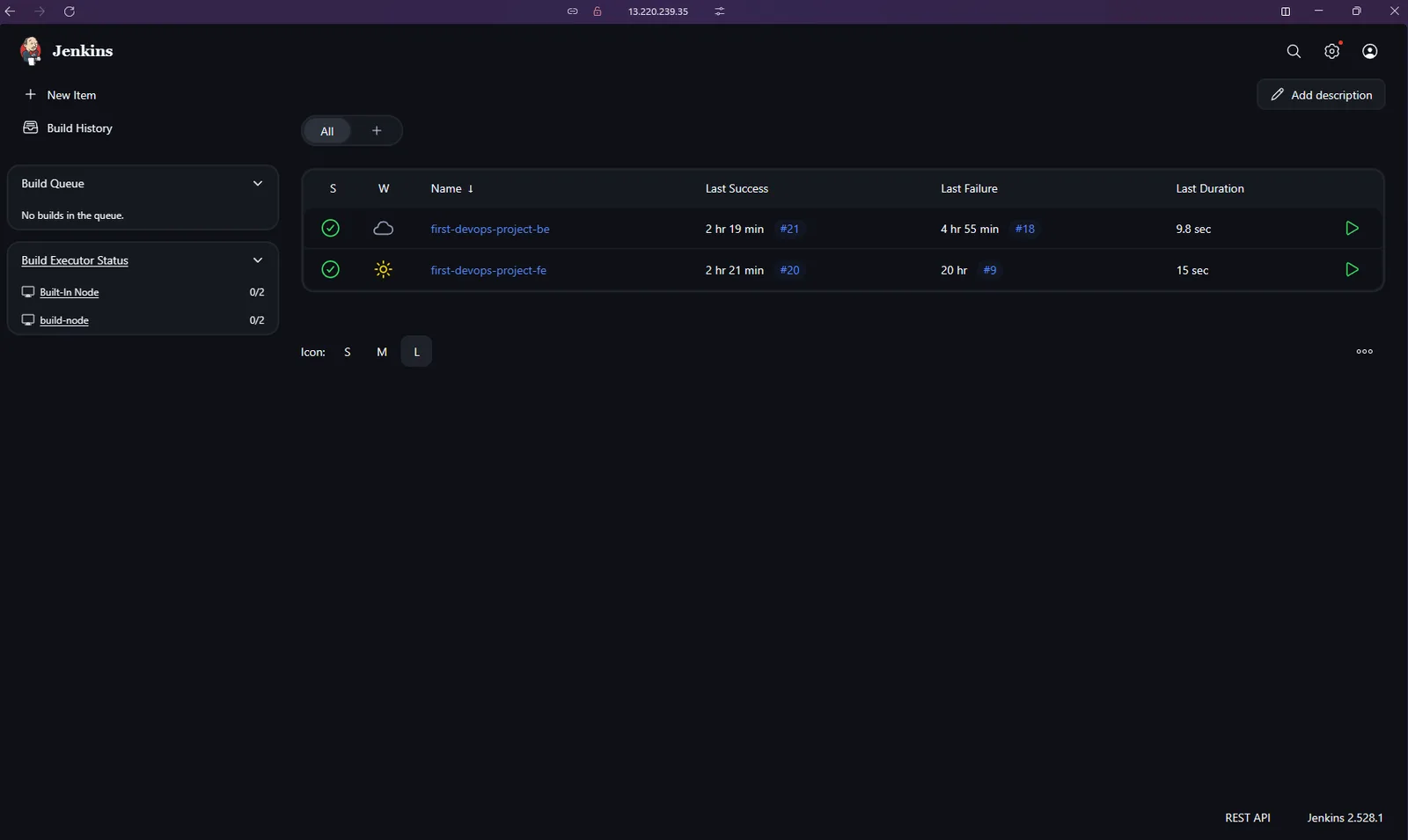
The screenshot is honest: the last successes are build #21 and #20, and the last failures, #18 and #9, sit right next to them. It did not work on the first try. Once it did, a full run took around 10–15 seconds.
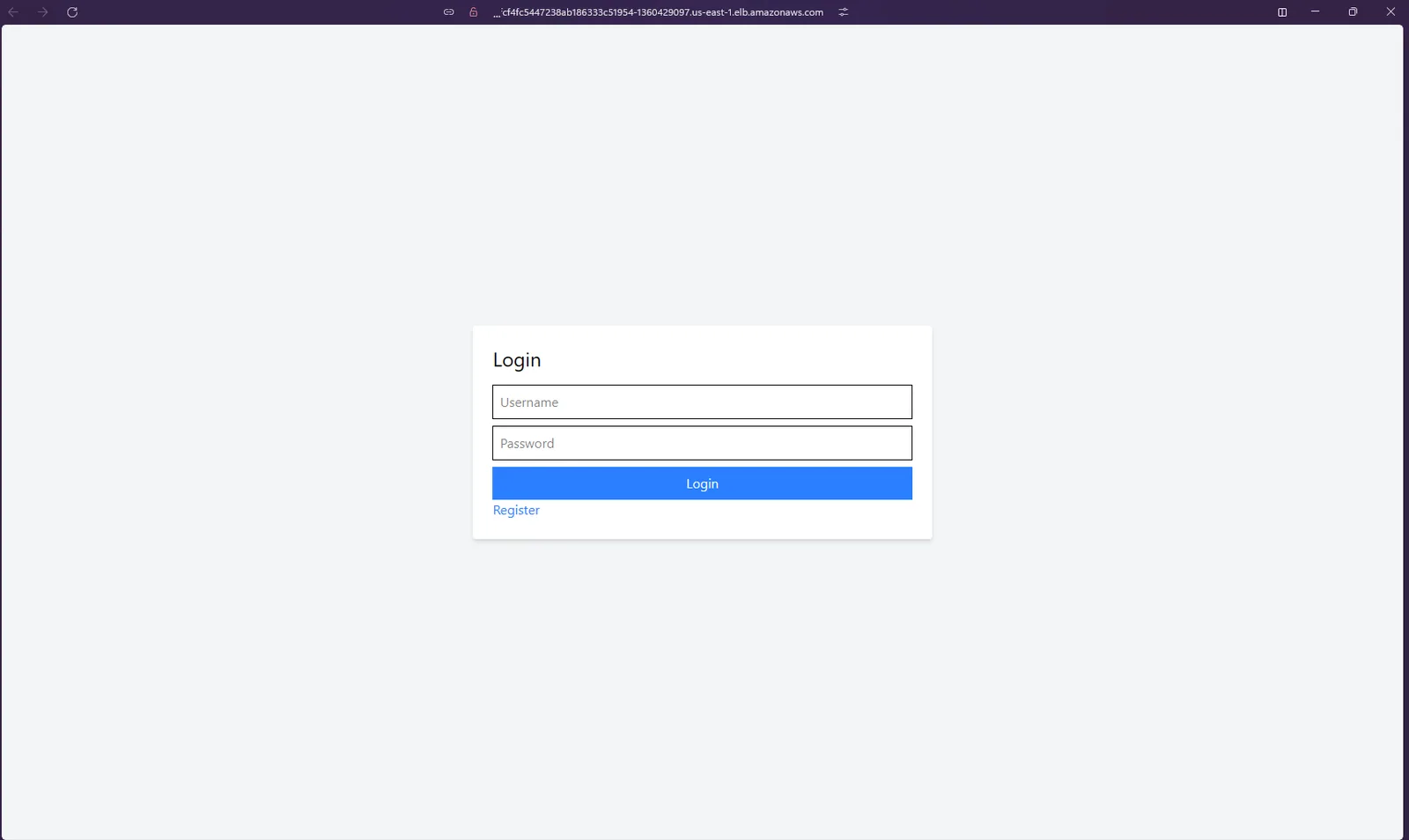
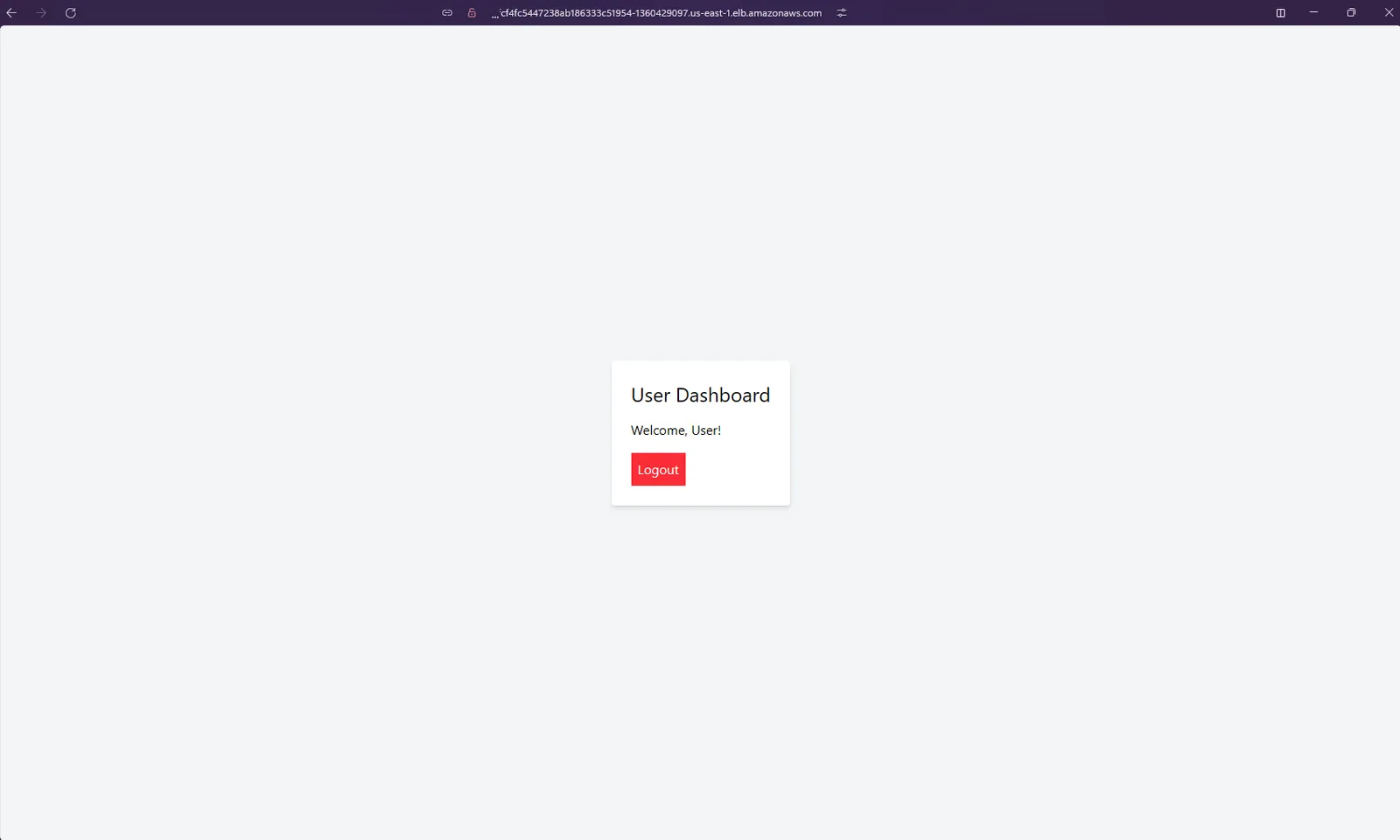
And at the end of it, the app is live behind an AWS load balancer:
Watching it: Prometheus & Grafana
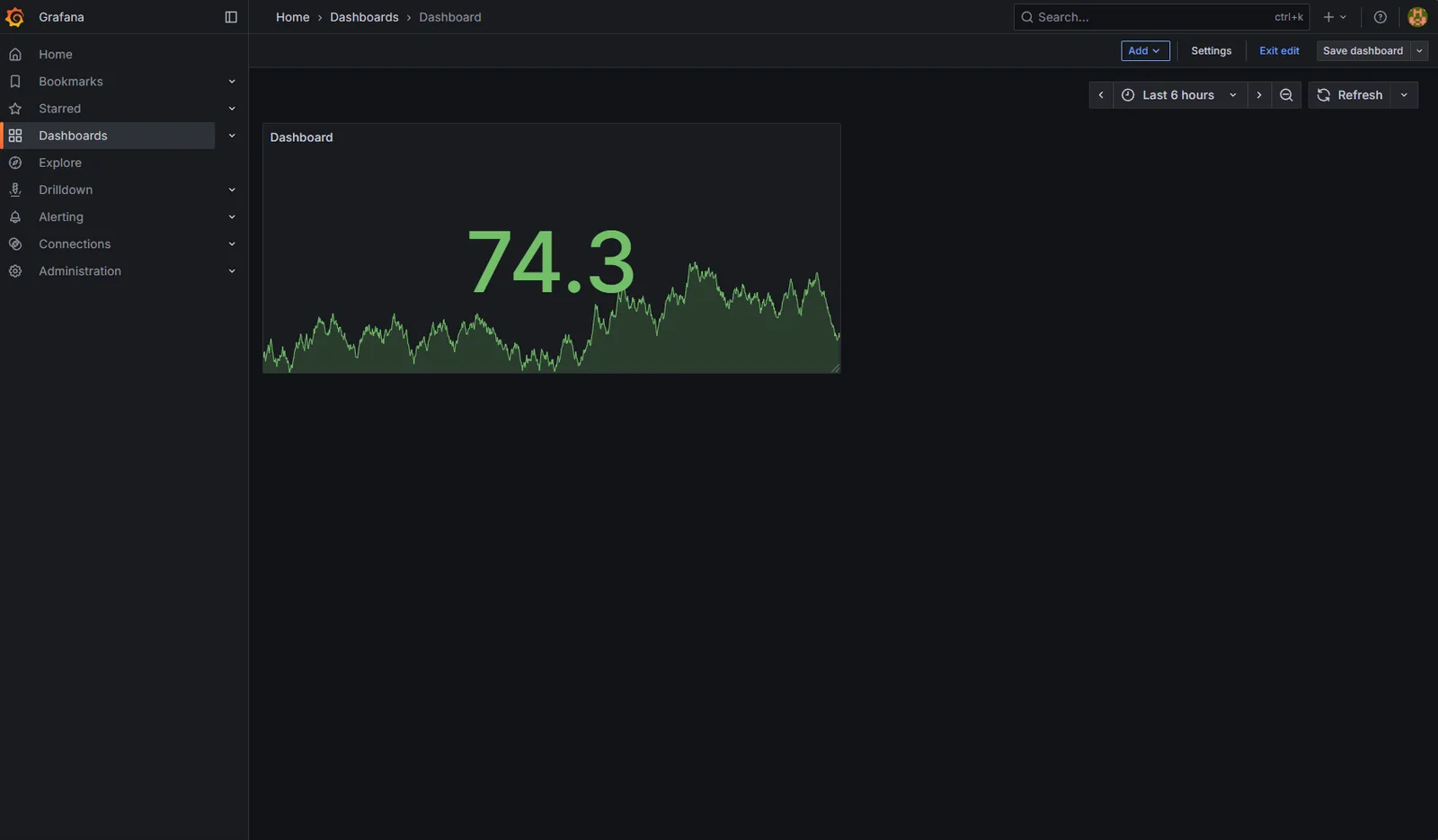
A deployed app you can't see into is only half done. I added Prometheus to collect metrics from the cluster and Grafana to visualise them. My first dashboard was a single panel, but seeing a live graph of something I'd deployed myself was a great moment.
What I'd do differently now
Since then I've worked with GitLab CI, ArgoCD, HashiCorp Vault and Kubernetes on real clusters during my internship. Looking back at this project, here's what I'd change:
- GitOps instead of
kubectl applyfrom CI. Today I'd let the pipeline only build and push images, and have something like ArgoCD sync the cluster from a Git repo. The cluster's state lives in Git, and CI doesn't need cluster admin credentials. - Infrastructure as code. The VPC, RDS and EKS setup should be in Terraform (or similar), so it can be reviewed, repeated and torn down cleanly.
- One Ingress instead of a load balancer per service. A
LoadBalancerService per app is easy, but it means paying for multiple load balancers. One Ingress controller with HTTPS in front would be cheaper and cleaner. - Proper secret management. Pull secrets from a dedicated store like Vault or AWS Secrets Manager instead of wiring them through the pipeline.
- Security scanning in the pipeline. Add image and dependency scanning before anything gets pushed.
Takeaways
This project was small, but it took the mystery out of DevOps for me. A pipeline is just a series of steps you'd otherwise do by hand. Kubernetes is just a place to describe what should be running. Monitoring is how you find out whether reality agrees. Building it end to end, even badly at first, made everything I've learned since much easier to place.